ES File Explorer
ES File Explorer is an easy way of managing your Android device

Safe & Secure
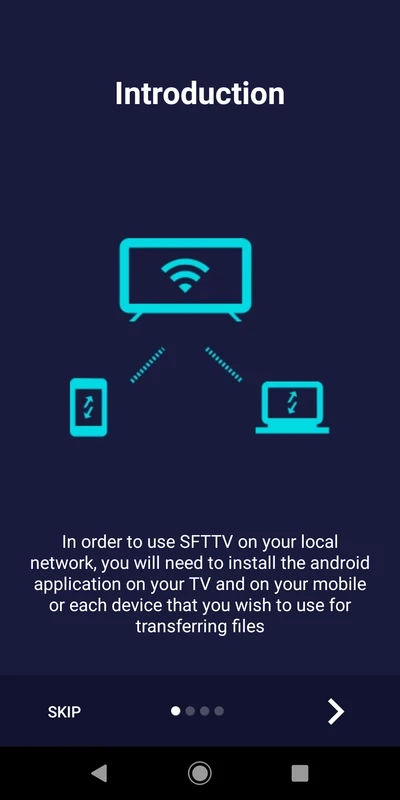
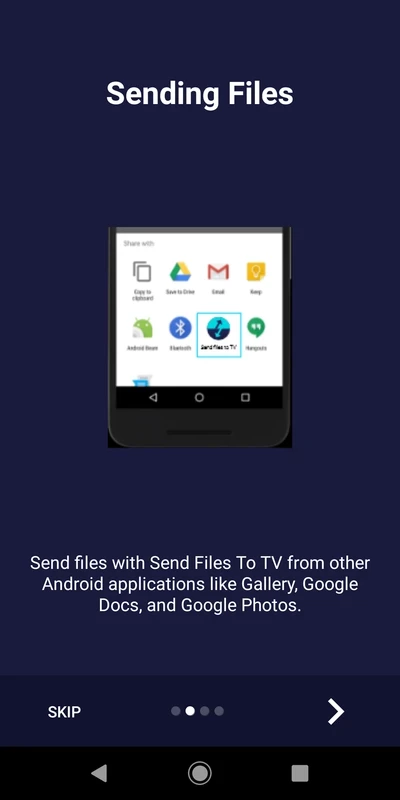
Send Files to TV (SFTTV) is a P2P file-sharing application that connects your smart Android TV, Android phone, and your PC. You can easily and quickly transfer your multimedia content, torrents, sideload APK, and other important files effortlessly through your local network.
It is a lightweight and freemium utility that proves one of the best alternatives for multiple popular file-sharing apps such as SHAREit, Xender, etc. It offers a simple-to-use interface along with a comprehensive tutorial to guide you through the entire process and features.
Send Files to TV, or commonly known as SFTTV, developed by Yablio, is a freemium and lightweight utility. It is specifically designed for Android devices that enable users to watch their favorite Android content right on their Android TV.
It is the best solution to get rid of managing cables or complex setups, instead install ‘Send Files to TV’ on your smartphone, and reliably transfer your favorite multimedia files, including photos, Videos, etc to your Android TV, your PC, and even to another Android device. It uses a local Wi-Fi network that offers an efficient connection for your home ecosystem without requiring any external hardware.
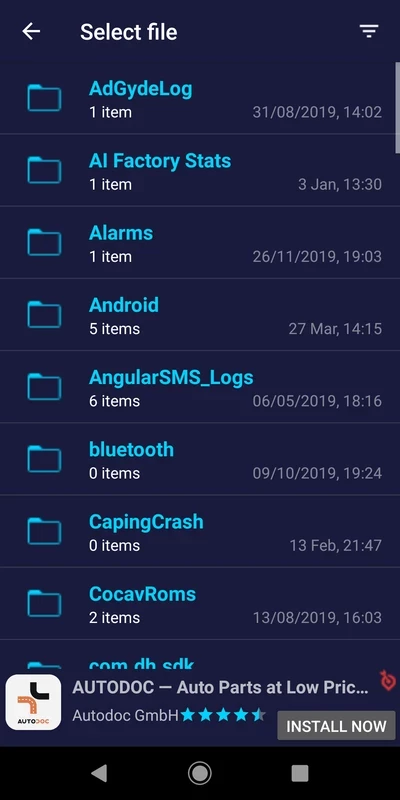
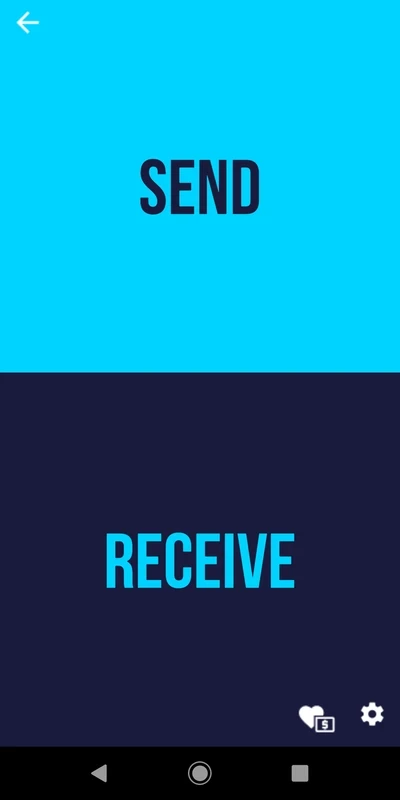
The user interface has clear controls, and source and destination devices can easily be distinguished within large icons. Install the app on both devices you want to transfer files to, and ensure the devices are connected with same internet connection. After running each copy, the app will automatically detect other devices over the network, and there is no need of adding manual IP entry. It is simple to use, as you can manage it within a few taps. Select the file from the sending device, push the “Send” option, and “Receive” from the receiving device.
The app doesn’t require an active internet connection; instead, it reliably completes the transfer operation while using your local network. It bypasses external servers while ensuring the protection of your data, and transfers data swiftly with the support of the router. It is the best solution for users with data caps or poor network connections.
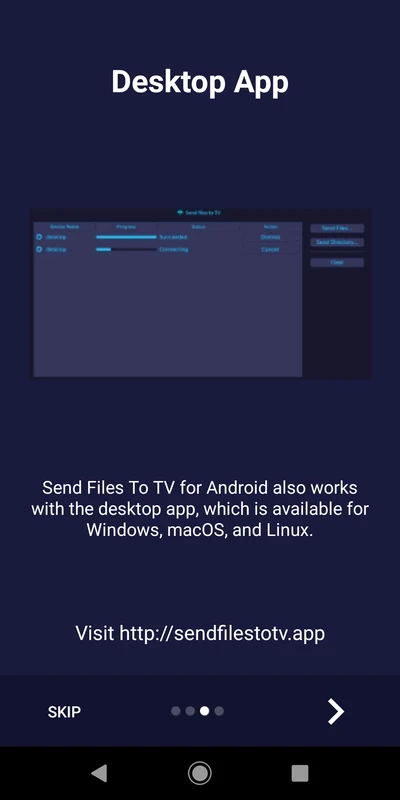
The app isn’t limited to transferring files between mobile and Android TVs, but also supports multiple digital devices, including Android, Linux, Windows, and macOS. So, you can reliably transfer files between phone-to-PC, PC-to-TV, and also phone-to-phone. The versatile tool with flexibility to control various devices, because all operating systems share the same discovery system and interface logic.
The tool offers robust speed, even higher than Bluetooth, and reliably transfers files over local Wi-Fi. It offers speeds below 500KB/sec to copy the small batches of configuration files within seconds, and also transfers larger files quickly. However, it requires strong network signals for the purpose. Occasionally, the progress bar freezes, and you can’t cancel the task; you can only reset it while using the force stop option. In addition, you need to place your device near your router to fix a slow network connection.
The app offers a completely automated transfer process while eliminating manual setup, as the availability of the discovery feature helps the users to run the software on both devices, and within seconds, both detect each other, and there is no need of adding of IP entries manually. The simple plug-&-play software offers quick processing, even for novices to watch their phone’s visual content on the big screen.
As the app works within a local network, your routers and switches control your data, and there is no data leakage risk. It minimizes remote breaches, ensuring the protection of your private information and avoiding unauthorized access. The availability of end-to-end encryption also helps you manage your file-sharing process within foolproof security.
The app offers an organized settings panel for controlling your incoming and stored media. It is possible to manage your visual content and documents separately, such as sending movies to external hardware and documents to internal memory while changing the download path. It is the best solution for professionals who have to manage huge amounts of storage. No doubt, an optimized and robust management system to manage your digital media collection across your home network.
The lightweight app with a tiny size consumes very few resources and keeps your battery optimized. It also offers regular updates through the Play Store to fix bugs and compatibility issues. Moreover, the availability of FAQs helps to use the app more reliably.
Pros
Cons
ES File Explorer is an easy way of managing your Android device
SHAREit is the seamless sharing of data between multiple devices

Xender is a data transfer app. its working with all supporting devices like Android phones.

Zapya offers a multiple-file sharing process across multiple devices.

EasyShare cross-platform and ad-free tool to offer blazing-fast file transfers
OPPO Clone Phone, quick switching of phones with QR pairing